

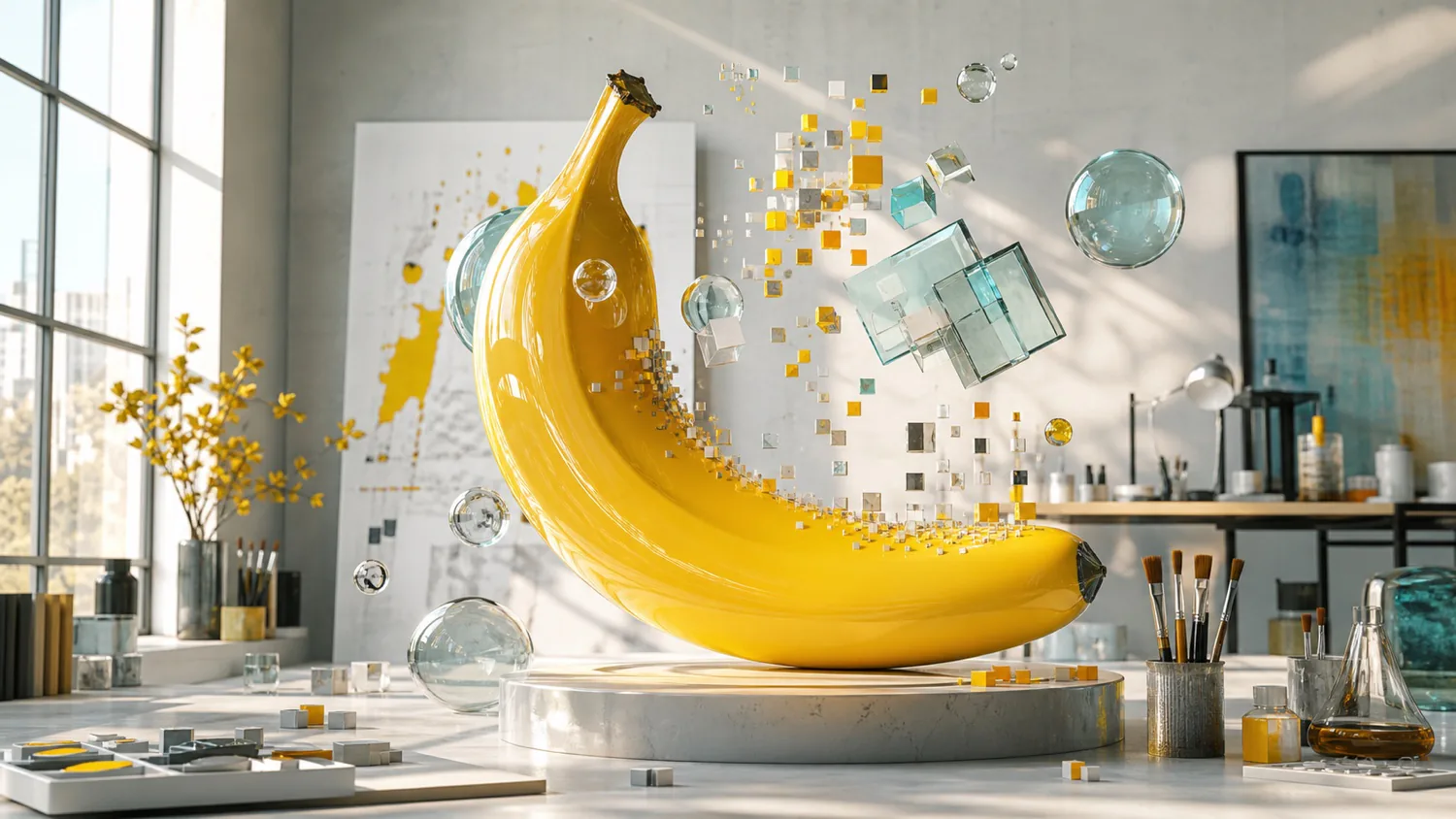
 Example
New · Google's latest image model
Nano Banana 2.1 AI Image Generator
Create posters, product photos, and infographics with clear, readable text. Or upload photos and edit them with Google's newest Nano Banana model.
Sign up for free starter credits. A 1K image costs 2 credits, and the tool shows the cost before you start.
Image AI
Prompt
0/2000
My Creations
ManageExampleWhat is Nano Banana 2.1?
Nano Banana 2.1 is Google's latest Gemini image model. Google released it on October 6, 2026 as an update to Nano Banana 2. Google says it brings better realism, clearer text and infographics, steadier characters across edits, and cleaner wide images at 2K and 4K. It can create a picture from your words or edit photos using up to 14 reference images. On Nana Banana Pro, you can try it in your browser with no code or API key.
Real Nano Banana 2.1 results
We made these on Nana Banana Pro with the new model. Copy a prompt into the tool and change the details to make it yours.

Travel poster with exact text
3:4 · 2KPrompt: A vintage screen-printed travel poster. Large headline at the top reading "KYOTO IN AUTUMN". A red pagoda among orange maple trees, a small stone bridge, soft paper texture, limited palette of rust, cream, and deep teal. At the bottom in small clean capitals: "TRAINS DEPART HOURLY FROM KYOTO STATION".

Five-step infographic
3:4 · 2KPrompt: A clean, friendly infographic titled "FROM BEAN TO CUP". Five numbered steps in a vertical flow with simple flat icons and short labels: 1 HARVEST, 2 DRY, 3 ROAST, 4 GRIND, 5 BREW. Each step has a one-line caption in small text. Warm cream background, coffee-brown and orange accents, generous spacing, perfectly spelled text.

Product photo with a label
1:1 · 2KPrompt: Studio product photo of a frosted glass perfume bottle with a brushed brass cap, standing on a wet slate stone. Soft side light, small droplets on the glass, blurred eucalyptus leaves in the background. The label on the bottle reads "NOIR FIG" in thin elegant serif letters. Photorealistic, commercial quality.

One character, four poses
16:9 · 2KPrompt: A character design sheet for an original cartoon mascot: a small round yellow robot with a single banana-shaped antenna and big friendly eyes. Show the same character four times in a row: front view, side view, waving, and holding a paint brush. Consistent proportions and colors in every pose. Clean white background, small labels under each pose: FRONT, SIDE, HELLO, PAINT.

Wide panorama
21:9 · 2KPrompt: An ultra-wide panoramic photograph of the Icelandic south coast at golden hour: black sand beach, basalt sea stacks, gentle waves, a distant glacier on the left and a small red-roof church on the right. Natural colors, crisp detail across the whole frame.
Generated on October 10, 2026 with the exact English prompts shown. Images were only resized for this page. Results can differ each time you generate.
Nano Banana 2.1 vs Nano Banana 2 vs Nano Banana Pro
All three models are in the menu above. Here is how they differ on this site.
| Nano Banana 2.1 | Nano Banana 2 | Nano Banana Pro | |
|---|---|---|---|
| Best for | Everyday images with clear text and steady characters | Fast images and extra-wide banners | The most detailed, complex scenes |
| Released by Google | October 2026 | February 2026 | November 2025 |
| Output sizes | 1K, 2K, 4K | 1K, 2K, 4K | 1K, 2K, 4K |
| Widest shape | 21:9 | 8:1 | 21:9 |
| Credits (1K / 2K / 4K) | 2 / 3 / 4 | 2 / 3 / 4 | 3 / 3 / 4 |
Release dates and model improvements come from Google. Sizes, shapes, and credit costs are for Nana Banana Pro and may change. The tool always shows the cost before you generate.
Make an image in three steps
The 2.1 model is already selected in the tool above.
1. Describe or upload
Write what you want to see. To edit, switch to image-to-image and upload up to 14 photos, such as people, products, or style references.
2. Pick a size and shape
Choose 1K, 2K, or 4K and a shape such as 1:1, 3:4, or 21:9. Check the credit cost shown next to the button.
3. Generate and download
Sign in and click generate. In our tests, most images arrived in 20 to 40 seconds. Download the result, or change one detail and try again.
Prompt tips for clearer results
Small changes to your prompt make a big difference.
- Put exact words in quotes
- Write the text you need inside quotes, like "GRAND OPENING", and say where it goes. Check the spelling before you print or share.
- Describe the layout
- For infographics and posters, list the sections in order and name the style, for example: five numbered steps, flat icons, cream background.
- Say what must stay the same
- When you edit a photo, name what to keep, such as the face, pose, or product label, and what to change, such as the background or light.
- Reuse the same references
- For a recurring character or product, upload the same reference image each time and describe the new scene. Google says 2.1 can keep up to four characters consistent.
Nano Banana 2.1 questions, answered
The basics before you start.
What is Nano Banana 2.1?
It is Google's newest Gemini image model, released on October 6, 2026. It updates Nano Banana 2 with better image quality, clearer text, steadier characters across edits, and cleaner wide images. On Nana Banana Pro you can use it in your browser without code or an API key.
Can I use Nano Banana 2.1 for free?
New accounts get free starter credits. A 1K image costs 2 credits, 2K costs 3, and 4K costs 4. You need to sign in to generate, and the tool shows the cost before you start. This is a free trial, not unlimited free use.
What changed from Nano Banana 2?
According to Google, 2.1 improves realism, prompt following, text and infographic layout, and character consistency across edits. It also fixes tiling artifacts in wide images at 2K and 4K. Google's API price for 2.1 is about half that of Nano Banana 2. On this site, both use the same credits.
Should I use Nano Banana 2.1 or Nano Banana Pro?
Start with 2.1 for most everyday images: it is fast and costs fewer credits at 1K. Try Nano Banana Pro when a scene has a lot of fine detail and you want the most polished result. You can switch models in the menu above.
Can it edit my own photos?
Yes. Switch to image-to-image, upload up to 14 reference images, and describe the change. Also say what should stay the same. Check faces, text, and small details in the result.
Which sizes and shapes can I choose?
You can choose 1K, 2K, or 4K, plus Auto or ten shapes from tall 9:16 to wide 21:9. For extra-wide banners such as 4:1 or 8:1, use Nano Banana 2 in the model menu for now.
How long does it take?
In our tests, most images took 20 to 40 seconds. Larger sizes and busy times can take longer. Keep the page open while it works.
Do I need a Gemini subscription or a Google account?
No. Nana Banana Pro is an independent site that connects to Google's model. Sign in with your Nana Banana Pro account and use your credits. We are not affiliated with Google.
Create your first 2.1 image
Start with one idea and your free starter credits. Change a detail and generate again until it looks right.